
Controls
Pick how you drive. You can switch any time in the game: Pause > Controls.
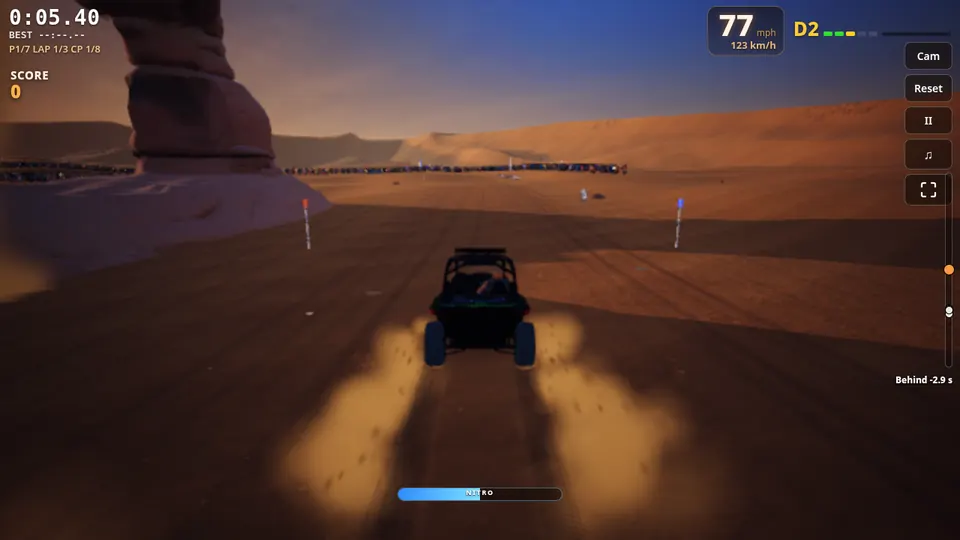
- WGas
- SBrake / reverse
- A DSteer (or the arrow keys)
- SpaceDrift
- hold TNitro
- F / clickFire (gun cars)
- CChange camera
- RReset the car
- EscPause
Mouse steering works too: move the mouse to steer and hold W for gas.
- RTGas
- LTBrake / reverse
- Left stickSteer
- A / CrossDrift
- L3Nitro
- B / CircleFire (gun cars)
- Y / TriangleChange camera
- X / SquareReset the car
- StartPause
Racing wheels work too: wheel, pedals and paddles plug straight in.
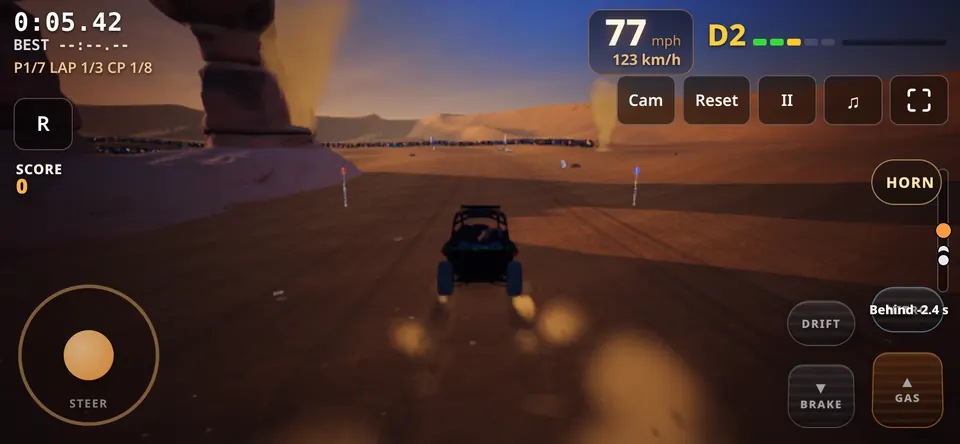
- Left thumbSteer (or tilt the phone)
- GASRight thumb
- BRAKESlow down / reverse
- DRIFTSlide through corners
- NITROBoost
- RReset the car
Hold your phone sideways for the widest view.
Steer with your hands in front of your webcam, like holding a real wheel. The picture stays on your device.
- Start it: in the game open Controls & steering, pick Air Wheel and allow the camera.
- Hold still for 2 seconds with both fists up, then turn right once and push forward once. Done: it remembers your setup.
- Drive: turn your fists to steer, push forward for gas, pull back to brake.
The first start downloads the hand tracker (about 11 MB) once. Good light in front of you makes steering smoother.
Camera blocked or no prompt
Click the camera icon at the right end of the address bar and choose Always allow, then start Air Wheel again. Windows: Settings > Privacy & security > Camera, allow desktop apps. Mac: System Settings > Privacy & Security > Camera, switch on your browser.
"The camera is busy"
Close Zoom, Teams, Meet, OBS or another tab using the camera, then try again.
Steering is jumpy or pulls to one side
Add light in front of you, keep both hands in view, and press Pause > Re-center hands.